
Table of contents
Someone on your exec team has asked why you’re paying an animation studio when AI can make video now. It’s a fair question. The honest answer is that AI has taken over real parts of video production and left the part a SaaS explainer depends on almost untouched.
This post covers what AI genuinely handles today, where it still breaks on software products, and how to decide which jobs to hand to a tool and which to hand to a studio. If you’re weighing this against a full explainer video production project, the split matters more than the hype does.
What AI has actually taken over
Wistia’s 2026 State of Video report surveyed more than 900 professionals and analyzed over 13 million videos and 79 million hours of viewing data. Its finding on AI is narrower than the headlines suggest. More than a third of teams already use AI somewhere in their workflow, and nearly a quarter more plan to start soon.
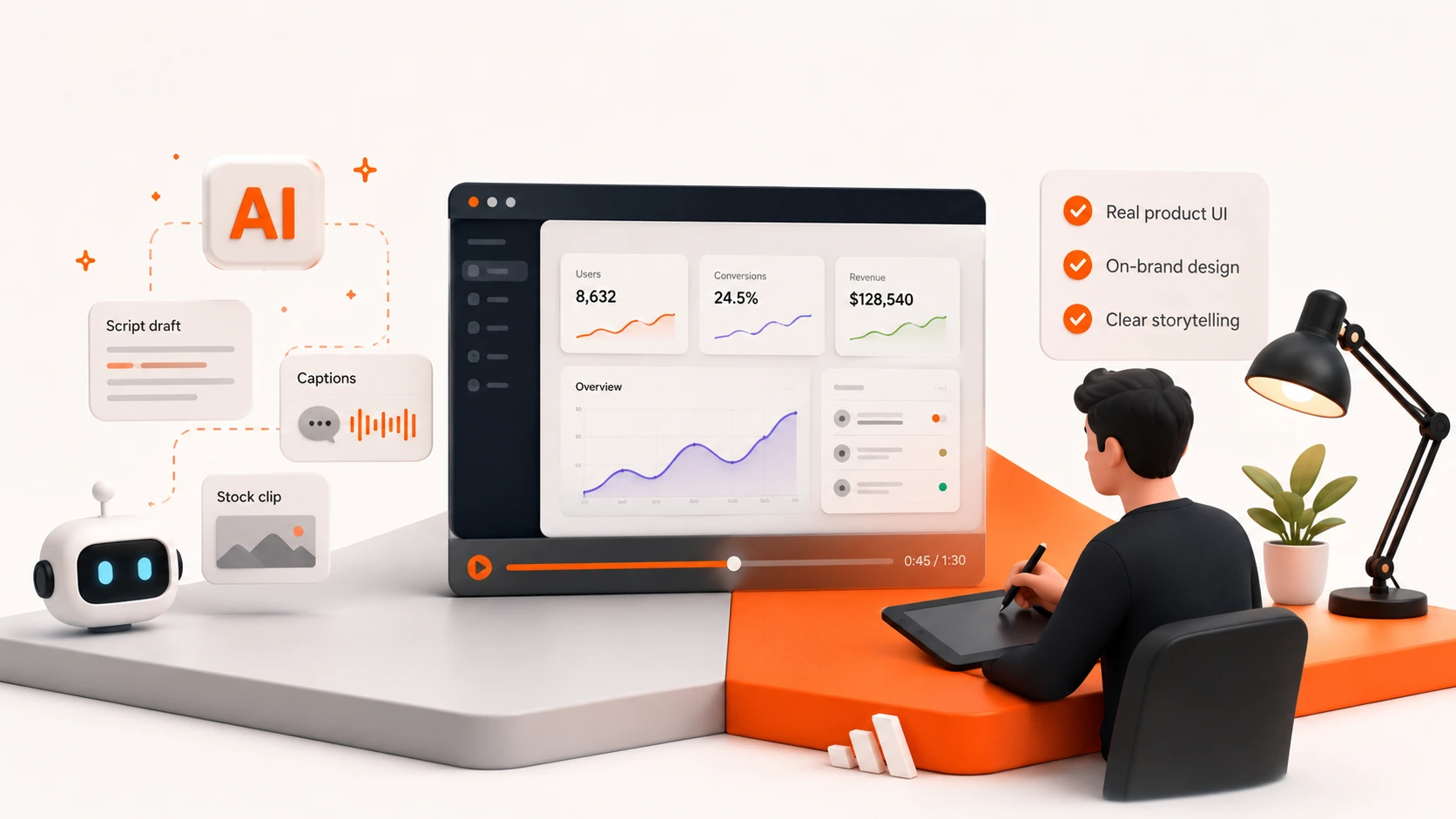
The detail worth reading twice: AI shows up most in pre-production. Teams use tools like ChatGPT for planning, scripting, and ideation. When teams use generative AI on the assets themselves, captions top the list, with dubbing close behind.
So the real win has landed in the setup and the cleanup. The finished creative is still largely human work. That matches what we see on projects.
Where AI video tools work well right now
A few jobs are genuinely solved, and paying a studio for them is a waste of budget.
Short generic clips. If you need five seconds of abstract motion, a city street, or an office scene for a social post, AI generators handle it. The output doesn’t need to be your product, so the weak spots never show.
First-draft scripts. AI is useful for getting a rough structure on the page fast. It won’t land the message, but a blank document is slower. Our own guide on how to write an explainer video script covers what to fix after the draft exists.
Captions and dubbing. This is the clearest win in the Wistia data, and the quality is good enough to ship.
Mood and concept exploration. Generating a few rough looks before a kickoff is faster than sketching them.
Where they break on software products
Now to the parts that matter for a B2B explainer.
Your actual interface
AI video generators produce plausible software, not your software. Ask one for a dashboard and you’ll get something dashboard-shaped, with invented labels and numbers.
Readable text is the documented weak point across current tools. Menu names, field labels, and figures come out garbled or made up. For an explainer whose whole job is showing a buyer the product they’d actually use, that’s a hard stop. Buyers notice.
This is why we work from your Figma files, or from screenshots when a team doesn’t have them, and then design and polish those real screens for animation. The screen on video has to match the screen the buyer logs into.
Holding one look across a full video
Most generators produce short clips. Stitching those into a coherent 90-second video, with the same style, colors, and characters throughout, is where the seams appear. Consistency across many generations is the open problem in this category, and vendors say so themselves.
A 6-second clip can look great. A 90-second story built from fifteen of them usually doesn’t.
Brand accuracy
Your colors, type, logo rules, and motion style are specific. Generators approximate. Approximate reads as off-brand to the one audience that knows your brand best.
What this means for your budget
Wistia’s 2026 data puts real numbers on video spend. Almost 40 percent of companies spent under $5,000 producing video last year, and just over 30 percent spent more than $5,000. The rest didn’t track it separately.
That’s the band the decision actually sits in. Studio Monday’s pricing is published and starts at $4,745, which lands right at that line. You can see the full breakdown on the pricing page without booking a call first.
The point isn’t that AI is cheap and studios are expensive. AI is nearly free for the jobs it does well and useless for the ones it can’t do at all. Budget for the second list, not the first.
Who should use what
Need a five-second background clip for LinkedIn? An AI generator, and no studio at all.
Captions or a Spanish dub of a video you already have? AI tools, same answer.
A live-action brand film or a broadcast commercial? Studio Monday doesn’t shoot those. Slow Clap or Indigo do that work properly.
Fresh video every month at volume? A subscription model like ContentBeta’s fits that pattern better than project work.
Your actual product explained on screen, with your real UI, for a launch with a date on it? That’s animation, and it’s the lane Studio Monday was built for.
The honest answer
No single approach wins every situation, and any studio telling you AI is a fad is protecting its own pricing. AI has taken real work off the table, and more of it will follow.
What hasn’t changed is the specific job of a B2B explainer: making one buyer understand one product, using screens that match the real thing, inside a story that holds together for 90 seconds. Current tools can’t do that, and the gap isn’t closing this quarter.
Studio Monday is a 2D and 3D animation studio for B2B SaaS and tech companies. Delivery is 14 days from kickoff, against an industry benchmark of four to eight weeks, with unlimited revisions included and pricing published at $4,745. The work is checkable: over 300 videos for more than 100 companies, including Bitdefender and Rehmann.
If you want to know whether your next video is an AI job or a studio job, book a call and describe it. If a tool can handle it, we’ll tell you which one and you can keep the budget.